
LCC — 3D Content Production, Powered by 3D Gaussian Splatting
LCC turns real-world scans into ultra-realistic, large-scale 3D environments — captured with Lixel K Series, PortalCam or Lixel L Series, automatically reconstructed, professionally edited, and delivered as interactive experiences across browser, desktop, mobile, VR and AR.
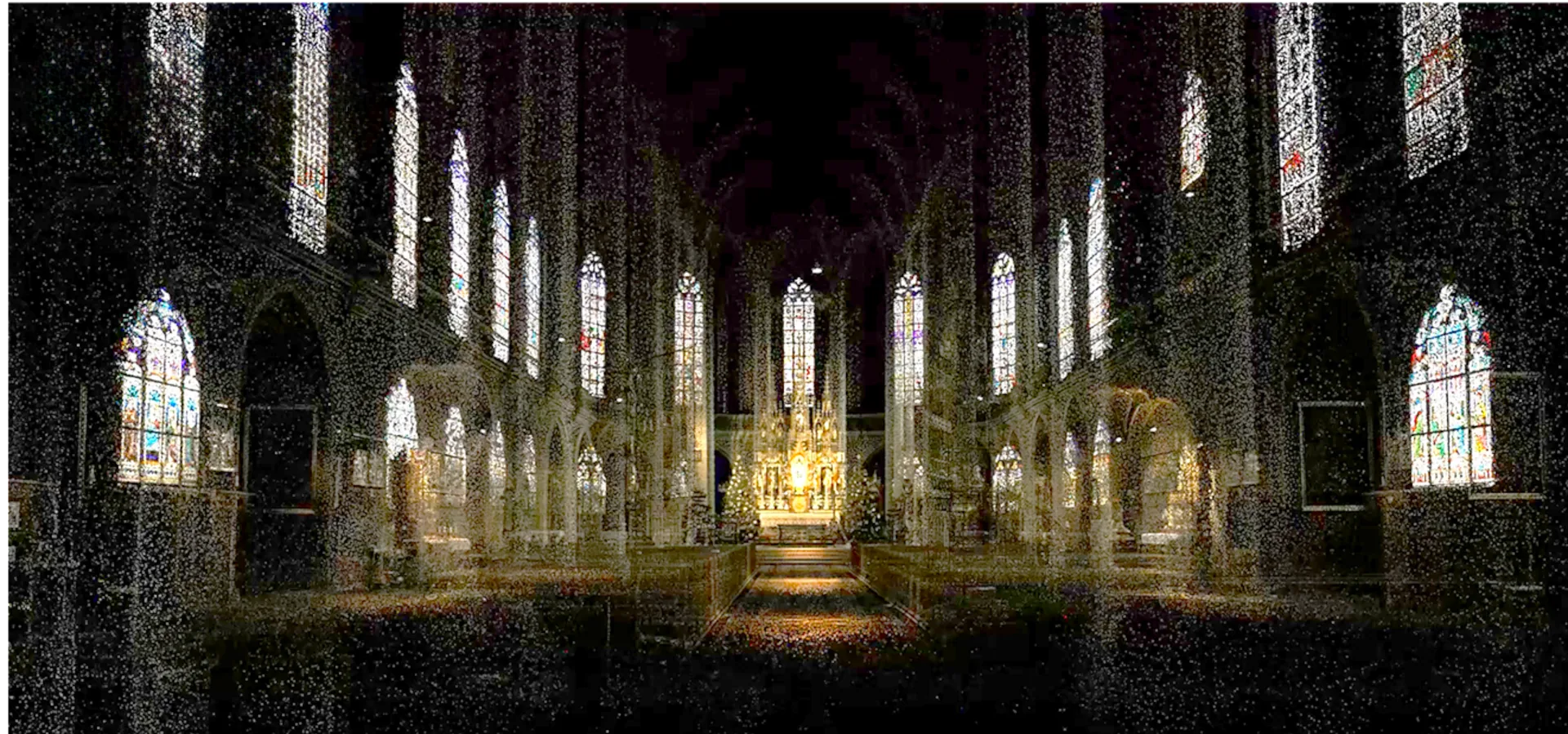
 LCC · XGRIDS
Capture, Create and Share 3D Gaussian Splatting Models
LCC (Lixel CyberColor) is XGRIDS' end-to-end platform for producing high-quality 3D content from real-world scans — fast, accurate, and ready to share. Powered by Multi-SLAM and 3D Gaussian Splatting, LCC works seamlessly across devices and workflows, from data capture through professional editing to cross-platform delivery.
Rebuild complex scenes at any scale by fusing indoor, outdoor, and aerial-ground data sources, then refine, annotate and publish scenes with the LCC Model Editor and Scene Editor — no stitching, no breaks, just one seamless 3D experience.
Just 8–10% the data size of standard open-source 3DGS
Low light, fine textures and reflective surfaces — no problem
Remove crowds, cars and movement automatically
Realistic lighting and collision built in for interactive worlds
Key Benefits
Map Fusion merges segmented captures into one continuous spatial model.
The open LCC2 format lets spatial data flow freely across platforms.
Upload scan data to LCC Cloud — reconstruction happens automatically.
Sentra offers hands-on demos and onboarding as official reseller.
All-in-One World Model Production Platform
Fast capture. Instant models. Professional editing. Cross-platform access.
Data Capture
Capture with Lixel K Series, PortalCam, Lixel L Series — or bring your own video input.
Automatic Generation
Generate locally on your PC, or reconstruct in the cloud with LCC Cloud — zero hardware required.
Editing & Creation
Refine with the LCC Scene Editor and LCC Model Editor — annotate, measure, overlay assets.
Cross-Platform Experience
Deliver to browser, desktop, mobile, VR and AR — one model, every device.
What You Can Do With LCC
From data production to scene editing and cloud reconstruction — a complete toolkit for 3DGS content.

LCC Studio — Data Production
Generate, manage and publish 3D models on your own PC. Measurement, annotation, collision detection, flythroughs, view transitions, asset overlay, HD enhancement and map fusion — with private deployment to keep sensitive data in-house.

LCC Model Editor — Professional Editing
Refine raw 3D Gaussian models into production-ready assets. Multi-model stitching, duplication, separation, clipping and global color grading before the model moves into scene editing.

LCC Scene Editor — Scene Editing
Turn a finished model into an interactive scene. Lighting, interaction design and publishing come together in one pass — edit and publish without a second tool.
Stronger 3D Gaussians. A Stronger World Model.
Lightweight files, reliable capture in tough scenes, AI dynamic object removal, smooth loading at any scale, physical consistency, and a seamless end-to-end workflow.
Lighter Data, Built to Scale
Just 8–10% the data size of standard open-source 3DGS solutions.*
Handles Toughest Environments
Low light, fine textures and reflective surfaces captured with full visual fidelity.
AI Object Removal
Automatically remove crowds, cars and movement — keep only what matters.
Seamless at Any Scale
Dual-track LOD delivers smooth navigation and full detail across scenes of any size.
Physics-Ready 3D
Realistic lighting and collision built in for interactive, game-ready worlds.
Open LCC2 Format
Spatial data flows freely across platforms and applications.
*Actual data size may vary based on capture conditions.
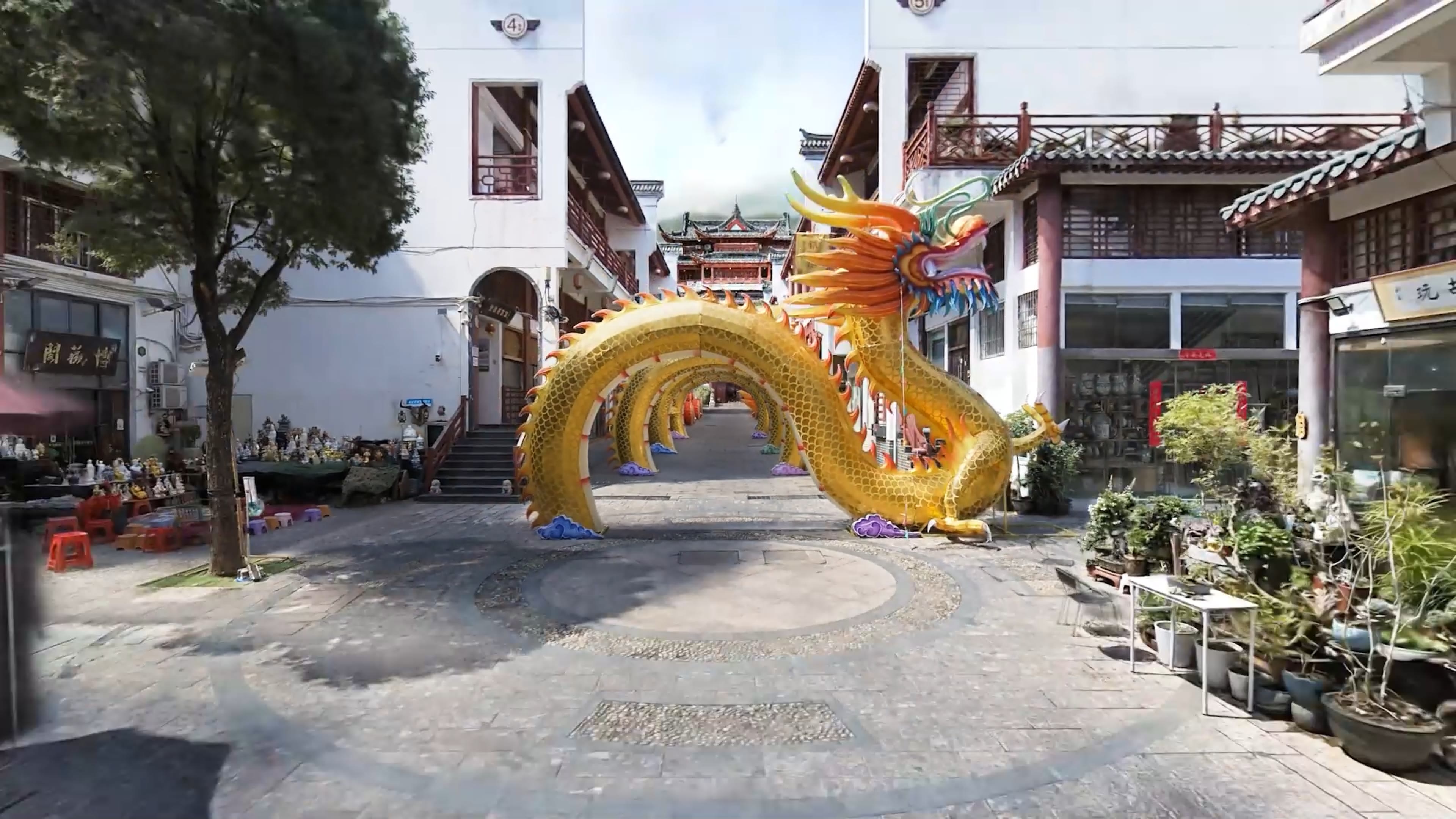
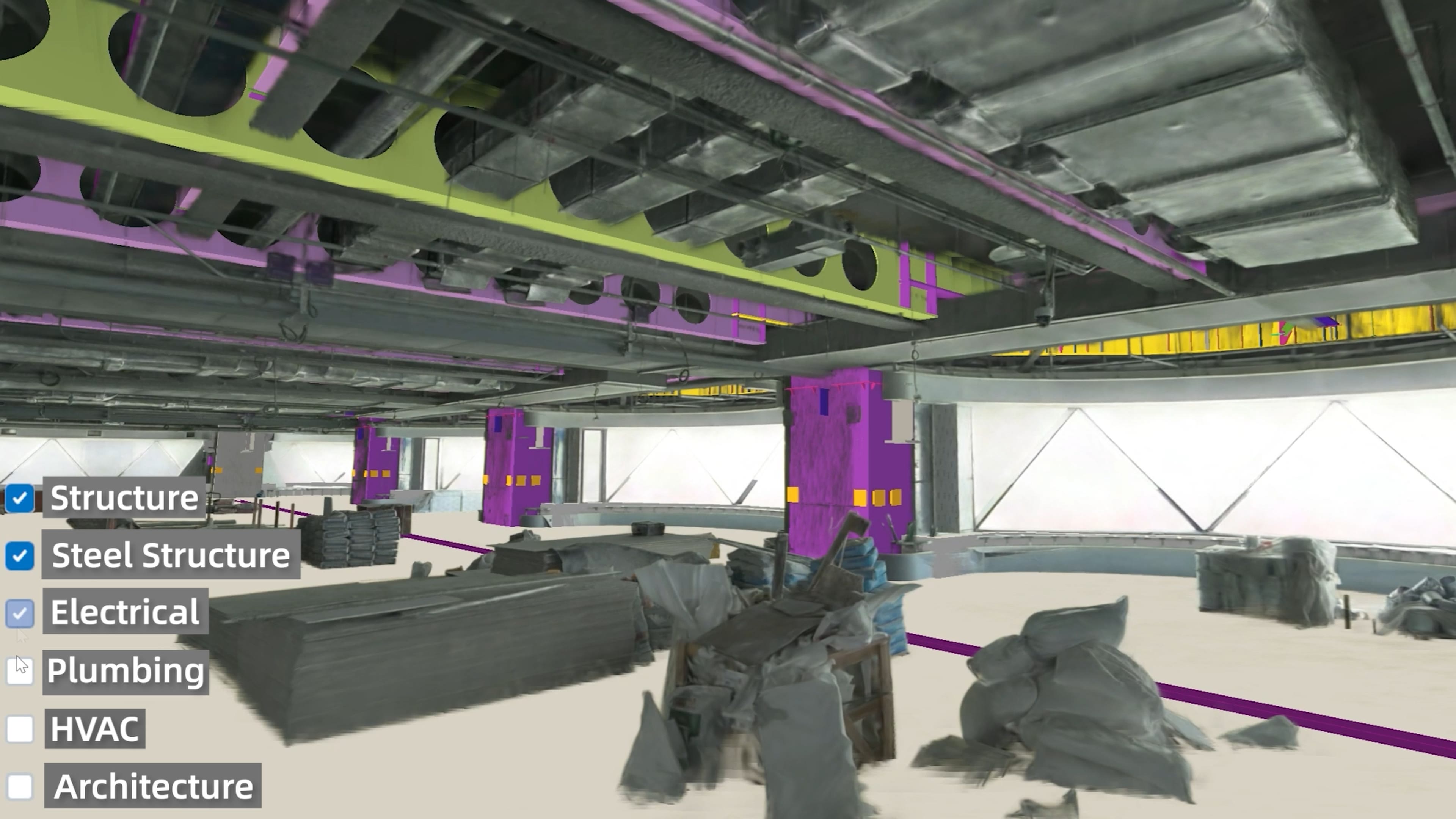
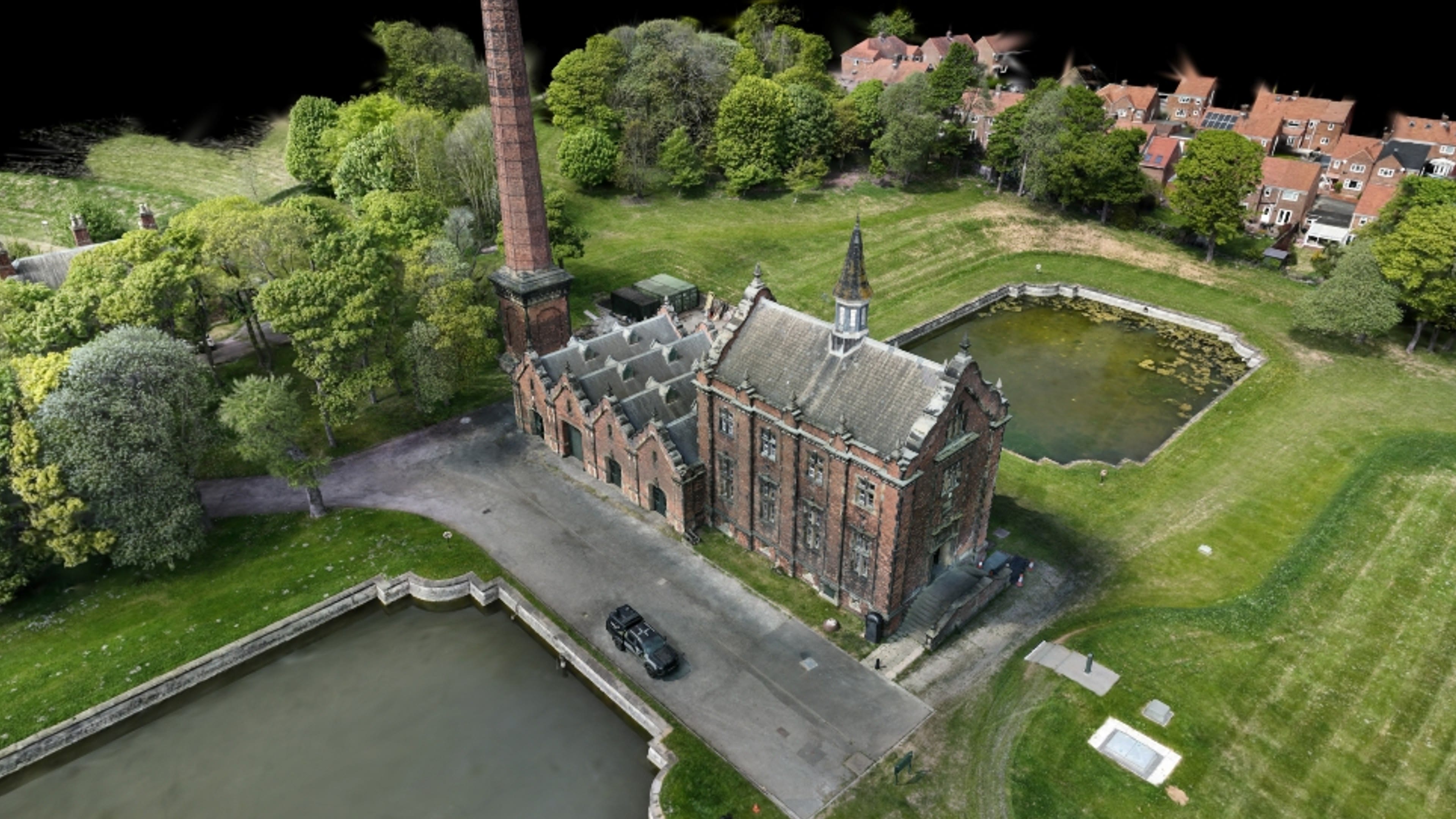
Connected for Spatial Intelligence
The open LCC2 format lets spatial data flow freely across platforms and applications — from capture device to viewer, without conversion loss.
View and Share Anywhere
Review and present 3D scenes across devices. Share with clients or collaborators and explore interactively without high-end hardware.
Mobile Viewer
Explore scenes on the go, no app install required.
VR / AR
Immersive walkthroughs on headsets and mobile AR.
Web Viewer
Share a link — viewers explore directly in browser.
PC Viewer
Full-fidelity desktop review for production teams.
Unity SDK
Integrate Lixel's 3D engine directly into Unity projects.
UE SDK
Billion-scale Gaussian worlds inside Unreal Engine.
Web & AVP SDK
Add 3D model viewers to websites or build spatial apps for Apple Vision Pro.
Got Questions About LCC?
Can't find what you're looking for? Contact our team — we're happy to help.
LCC Studio generates, manages and publishes models locally on your PC, with private deployment for sensitive data. LCC Cloud needs no hardware or software install — upload scan data and reconstruction happens automatically in the browser.
LCC accepts captures from the Lixel K Series, PortalCam and Lixel L Series, as well as standard video input for reconstruction.
Yes — Unity, Unreal Engine, Web and AVP SDKs let you build AR/VR experiences, add 3D model viewers to websites, or automate content pipelines with Lixel's 3D engine.
Yes — Sentra is the official XGRIDS reseller in India and provides LCC licensing, demos and onboarding support alongside Lixel K2, L2 Pro and PortalCam hardware.